Download the 1win App for Android and iOS with a 500% Bonus
The 1win app is available as an APK for Android and as an app for Windows, while the iOS version runs as a PWA (web app) and works just as well. All who are new to 1win can get a welcome bonus of up to 500% on the first 4 deposits, up to 180000 INR (Crypto 600% up to 225 000 INR). 1win offers over 40 sports and more than 13,000 casino games. It holds an international gambling licence (Curacao 8048/JAZ2016-065); gambling laws vary by Indian state, so check your local rules before you play (18+).
1win App Overview
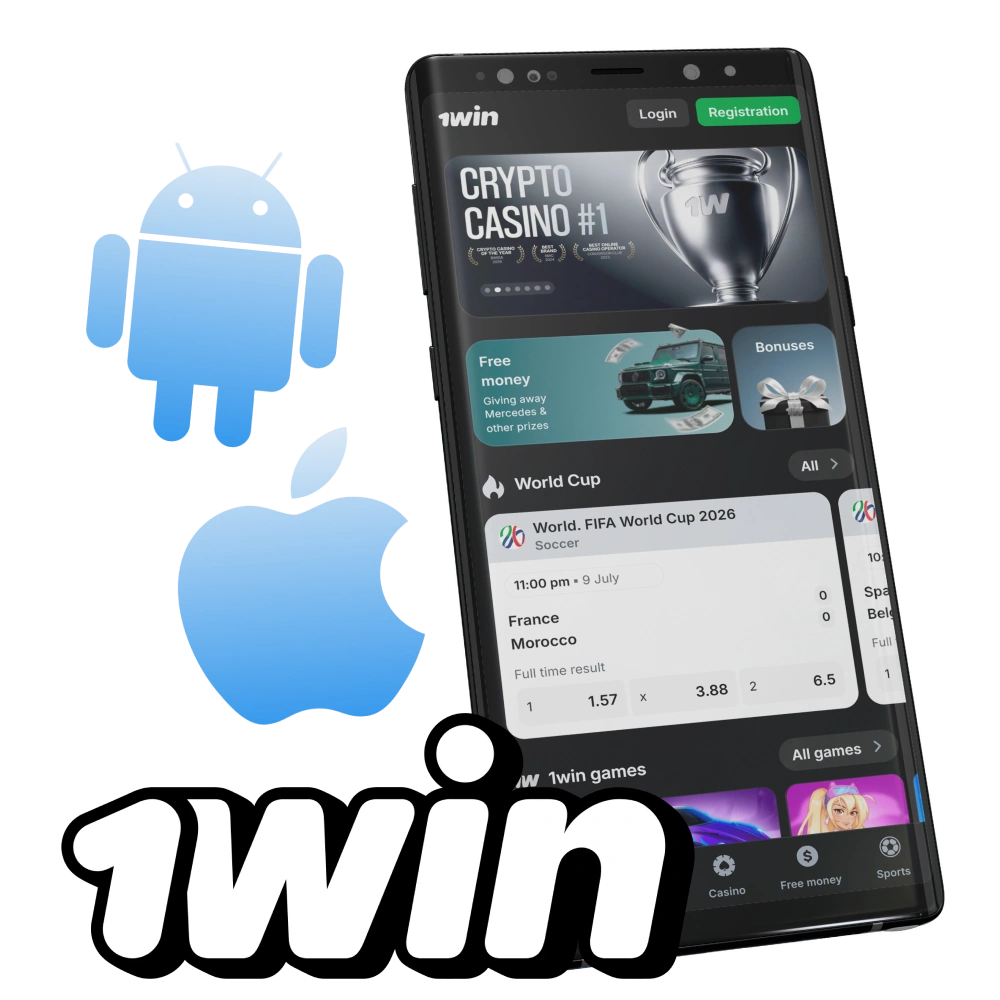
1win app offers users a convenient platform to place sports bets and enjoy online casino games from their smartphones or other devices. Available for Android, iOS (as a web app) and Windows, the app provides a user-friendly experience and access to a wide range of betting options.
| App Category | Sports Betting & Online Casino |
| License | Curacao 8048/JAZ2016-065 |
| Supported OS | Android, iOS (PWA), Windows |
| Cost of Downloads | Free |
| App languages | 30+ languages, including English, Hindi, Bengali, Telugu and Tamil |
| Supported countries | India and other countries |
| Welcome bonus for Sports | 500% welcome bonus up to 180000 INR (Crypto 600% up to 225 000 INR) |
| Welcome bonus for Casino | 500% divided into the first 4 deposits + free spins |
| Bet types | Total, Match Winner, Correct Score, Handicap, Draw no Bet; Live Betting, Pre-Match, Single, Combo |
| Support Services | Live Chat, Phone, Email (support@1win.social), WhatsApp, Telegram |
| Customer Support | 24/7 Support, Fast response time, Multilingual |
Interface of 1win App
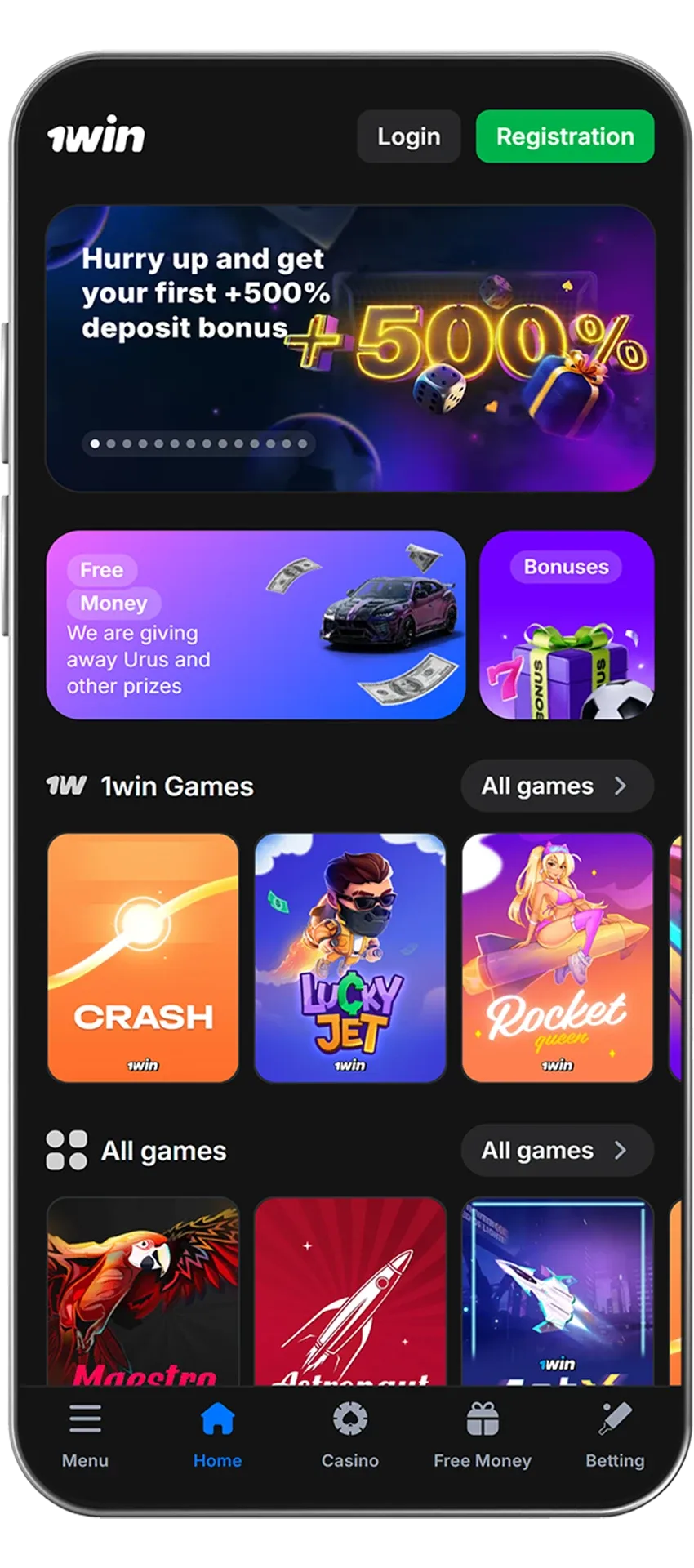
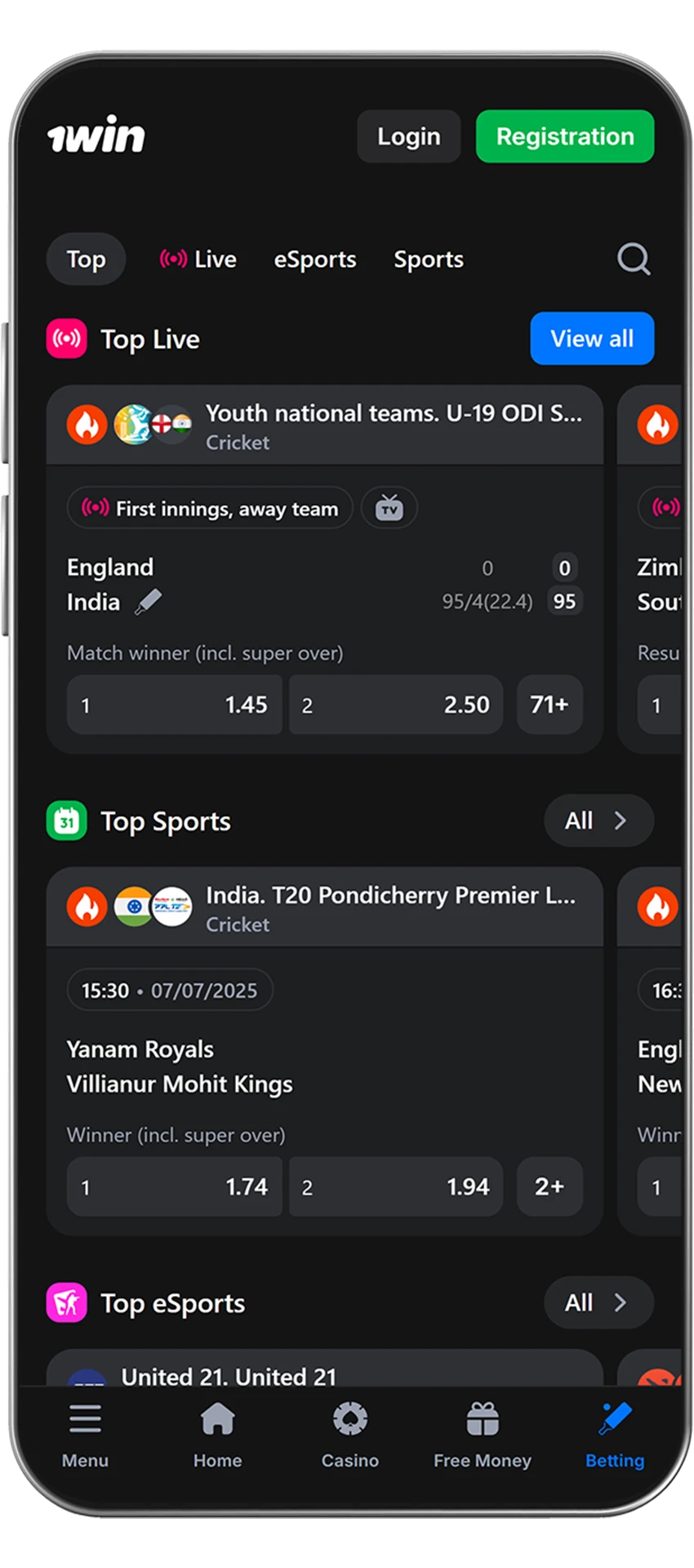
The 1win App offers an intuitive interface that makes it easy for both beginners and experienced players to enjoy betting and casino entertainment. The main menu gives quick access to popular sections like sports, live betting, casino, and promotions. Users of the App can personalize their experience by selecting language, odds format, and display themes. Odds and event statistics update instantly, ensuring players always have the latest information without refreshing the page.

1win APK Overview
The 1win APK is the official Android app of 1win. Because of Google Play’s restrictions on gambling apps, it is not listed there and is distributed only through the official 1win website. The app brings the sportsbook with live betting, the casino with live dealers, payments and 24/7 support to your smartphone.
| App name | 1win |
| Developer | 1win |
| File type | APK (Android installation file) |
| Compatibility | Android smartphones and tablets |
| Where to download | Official 1win website, free of charge |
| Updates | New versions are released on the official 1win website |
| Bonus for installing | 200 1win Points |
Download 1win APK for Android in 5 Steps
Installing the APK takes only a few minutes. Follow the instructions below:
Download 1win APK File
Open the official 1win website and tap the “Download” button for Android. You need to download an installation file.

Go to the settings of your device
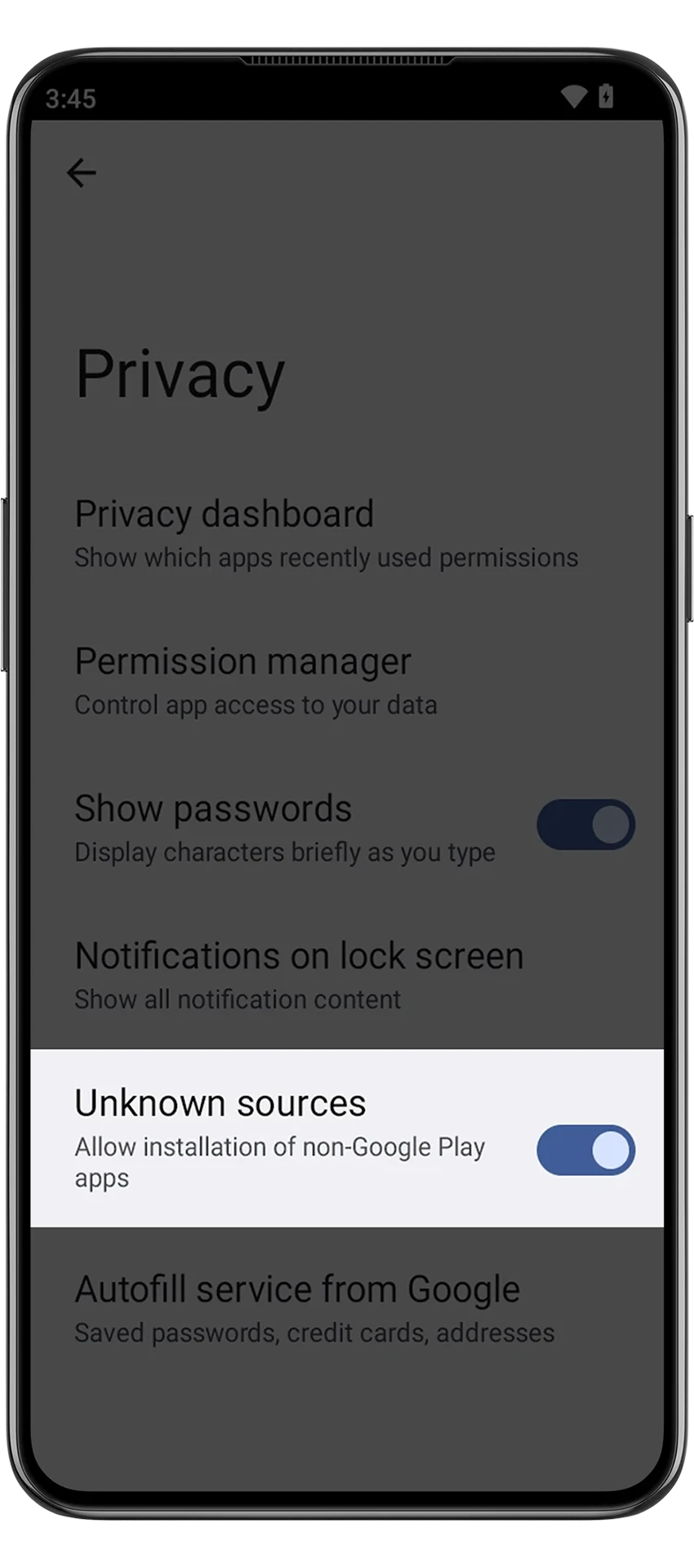
Open the smartphone settings and enable the “Allow installation of applications from unknown sources” option there. Without this setting, Android blocks apps downloaded outside Google Play.
Complete the download process
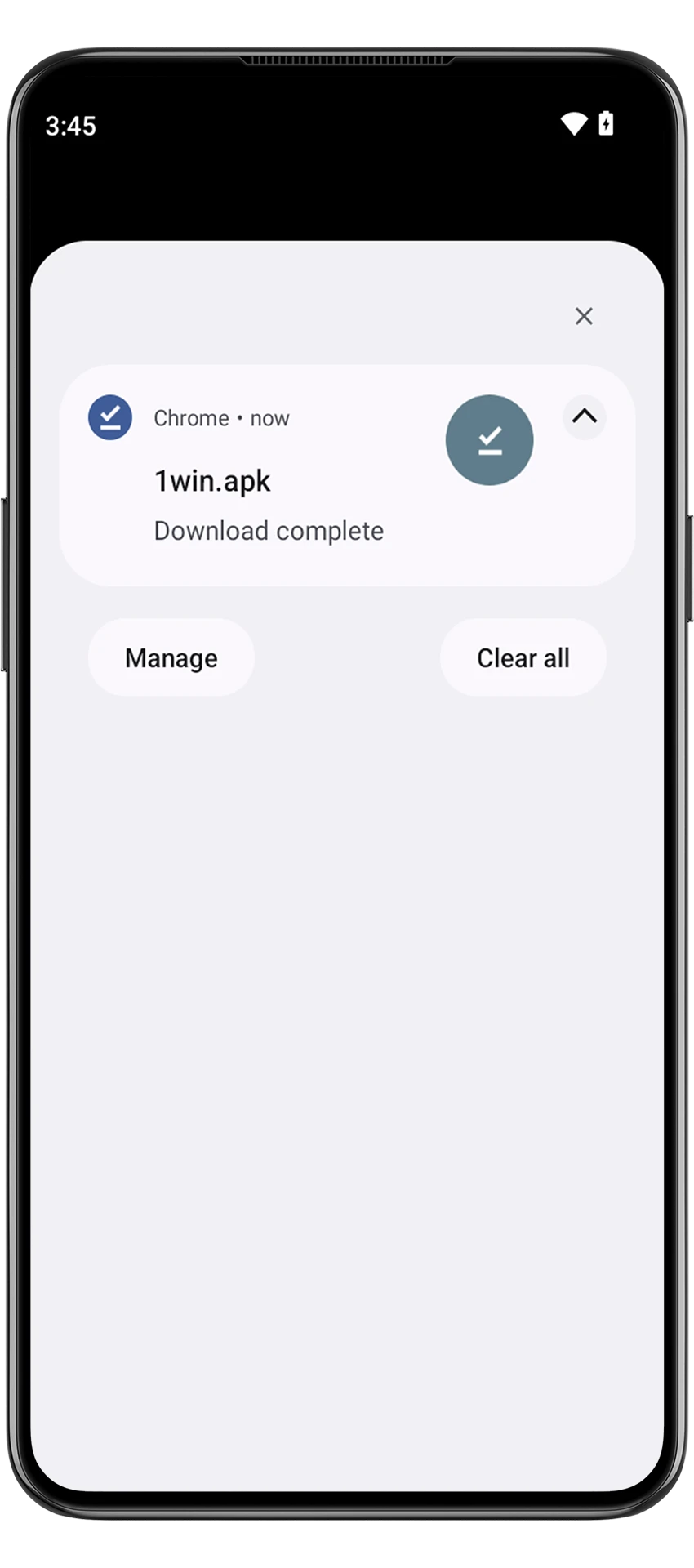
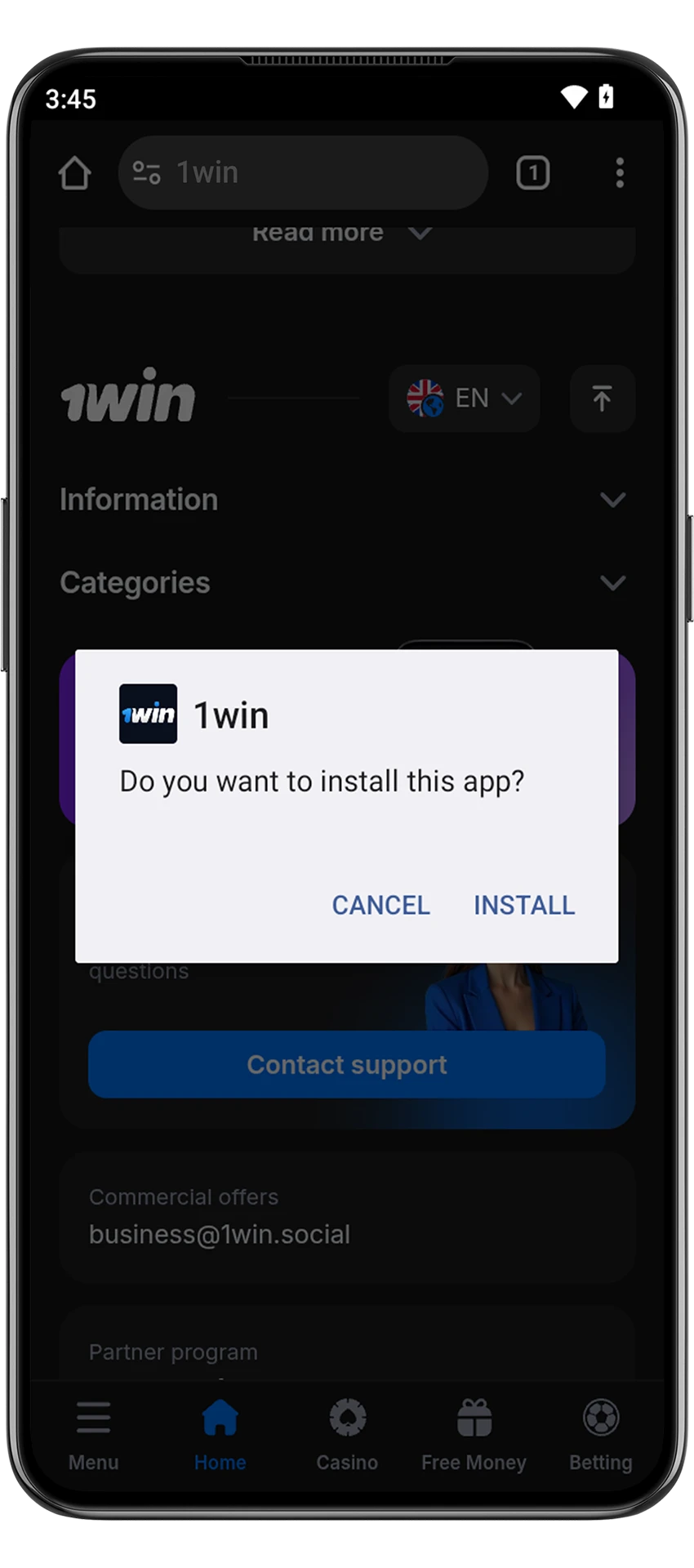
Now open the folder which the 1win apk file was downloaded in. Find it there and run it.
Confirm the file installation
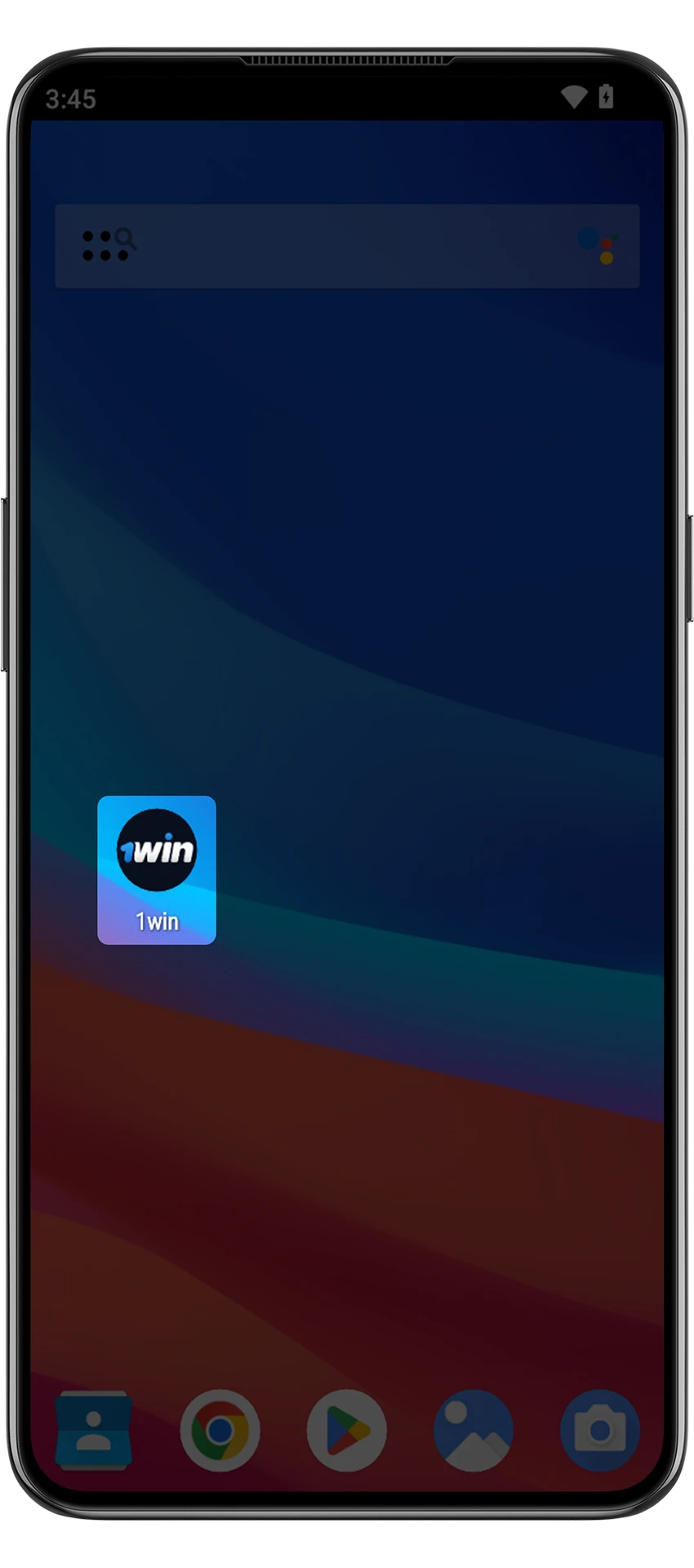
In the menu that pops up, use the installation item. Now wait a little while and the startup icon will appear on the main screen of your smartphone.
Open the app
Launch the 1win app from your home screen to start betting.
System Requirements for Android
| Android OS version | 8.0 |
| Amount of RAM | Not less than 1 GB |
| Processor speed | Not less than 1.2 GHz |
| Free space on the smartphone | 60 MB |
Supported Devices for 1win Android App Version
1win App is optimized for a wide range of Android smartphones from leading global brands. As long as the device is running Android 8.0 or above and has a stable internet connection, it can support the application easily. Here is a list of popular models that are compatible with the App Android version:
| Brand | Models |
|---|---|
| Samsung | Galaxy S24, S23 Ultra, S22, A54, A34, M14, Note 20 |
| Sony | Xperia 5 V, Xperia 1 IV, Xperia 10 III, Xperia 5 III |
| Huawei | P60 Pro, Mate 50, Nova 11, P50 Lite |
| OnePlus | OnePlus 12, 11R, 10T, Nord CE 3 Lite, Nord 2T |
| Oppo | Reno 11 Pro, A78 5G, Find X5 Pro, A98 5G |
| Pixel 8 Pro, Pixel 7a, Pixel 6, Pixel 6a | |
| Xiaomi | Redmi Note 13 Pro, 13C, Mi 11, 12T Pro, POCO F5 |
| Poco | X6 Pro, F5, M5, X5 5G, C55 |
1win iOS App Overview
On iPhone and iPad, 1win works as a web app (PWA): you add it to the home screen from Safari, and it then opens full screen from its own icon, just like a regular app. Below are the key facts about the iOS version.
| App name | 1win web app (PWA) |
| Developer | 1win |
| Devices | iPhone and iPad |
| App Store | Not needed |
| Storage space | Almost none: the app runs from the 1win website |
| Hardware requirements | None |
| Bonus for installing | 200 1win Points |
Download the 1win App for iOS (iPhone, iPad) in 5 Steps
The 1win web app (PWA) for iOS can be installed from this page. It works on iPhone and iPad, and it allows full access to sports betting, live casino, and account services. The installation does not take long, and you will be able to enjoy all 1win features on the go. Here is what to do:
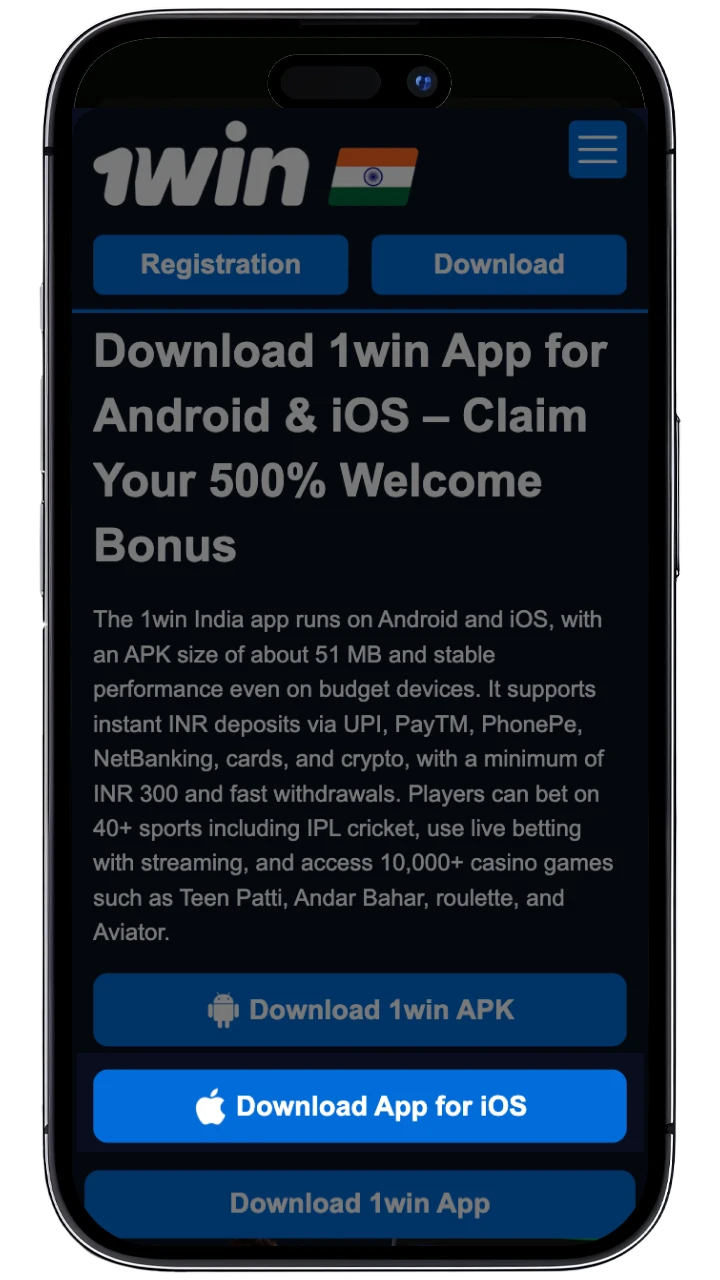
Step 1: Tap “Download for iOS”
Press the button on this page to open the 1win website in Safari.
Step 2: Select “Share”
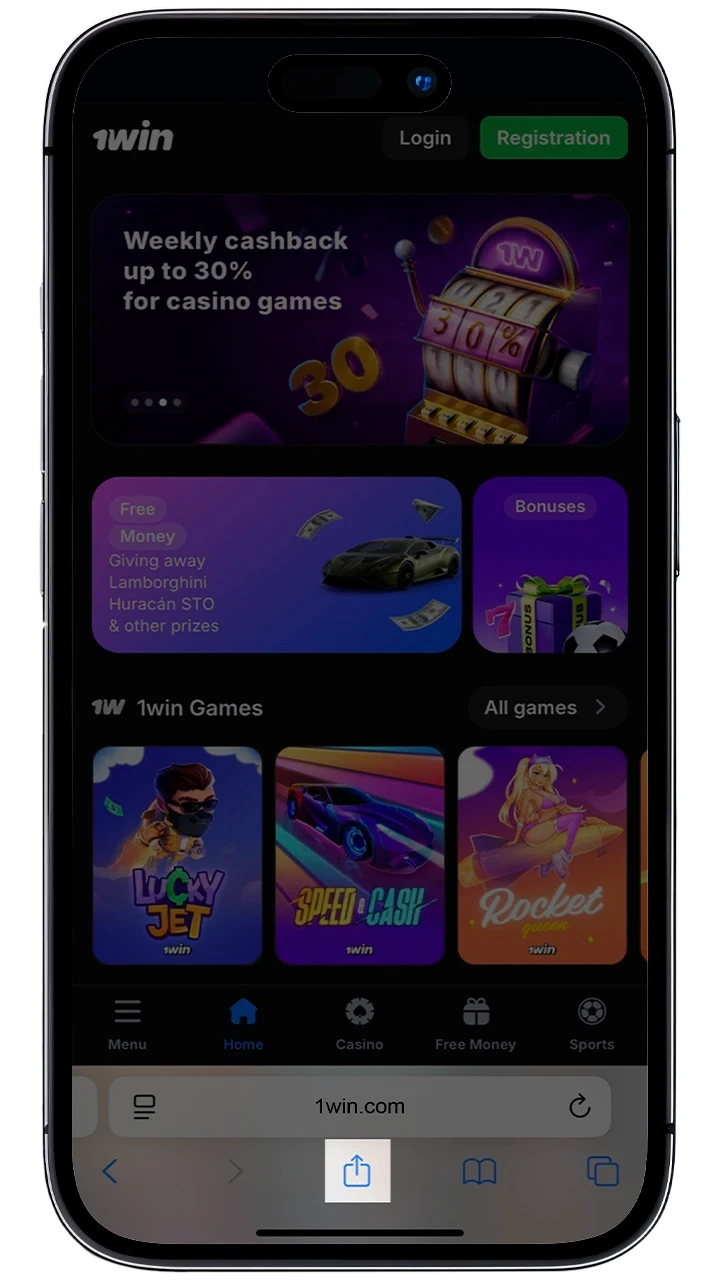
At the bottom of the screen, tap the Share icon. It is located in the center of the menu and looks like a box with an arrow.
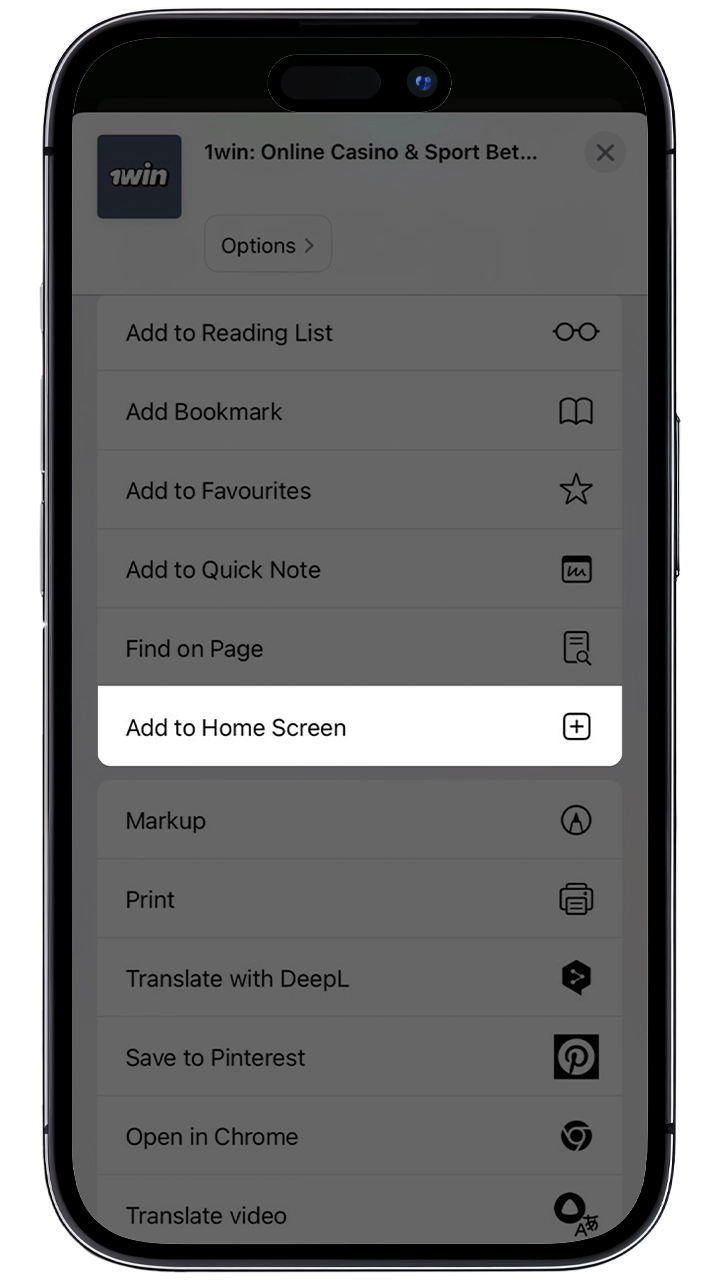
Step 3: Choose “Add to Home Screen”
Scroll through the options and select “Add to Home Screen”.
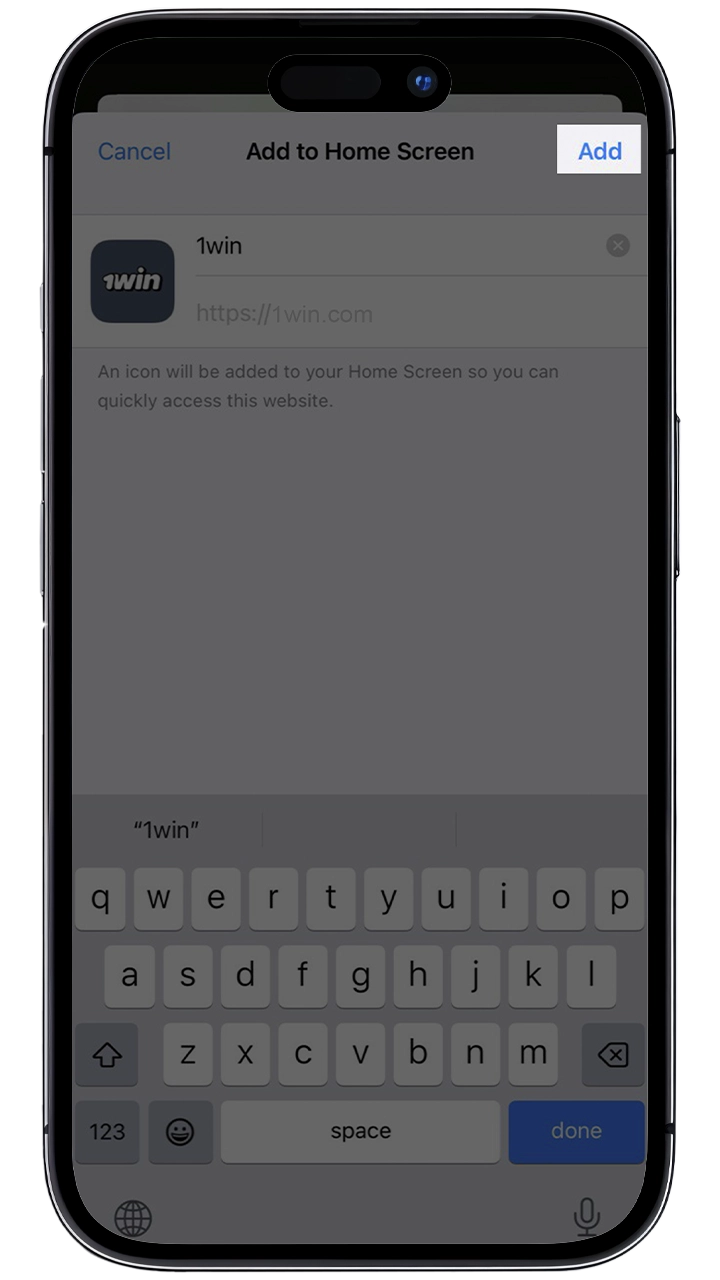
Step 4: Confirm the Action
In the window, you will need to choose the name for the icon. You can leave 1win or type anything you want. After that, tap the “Add” button.
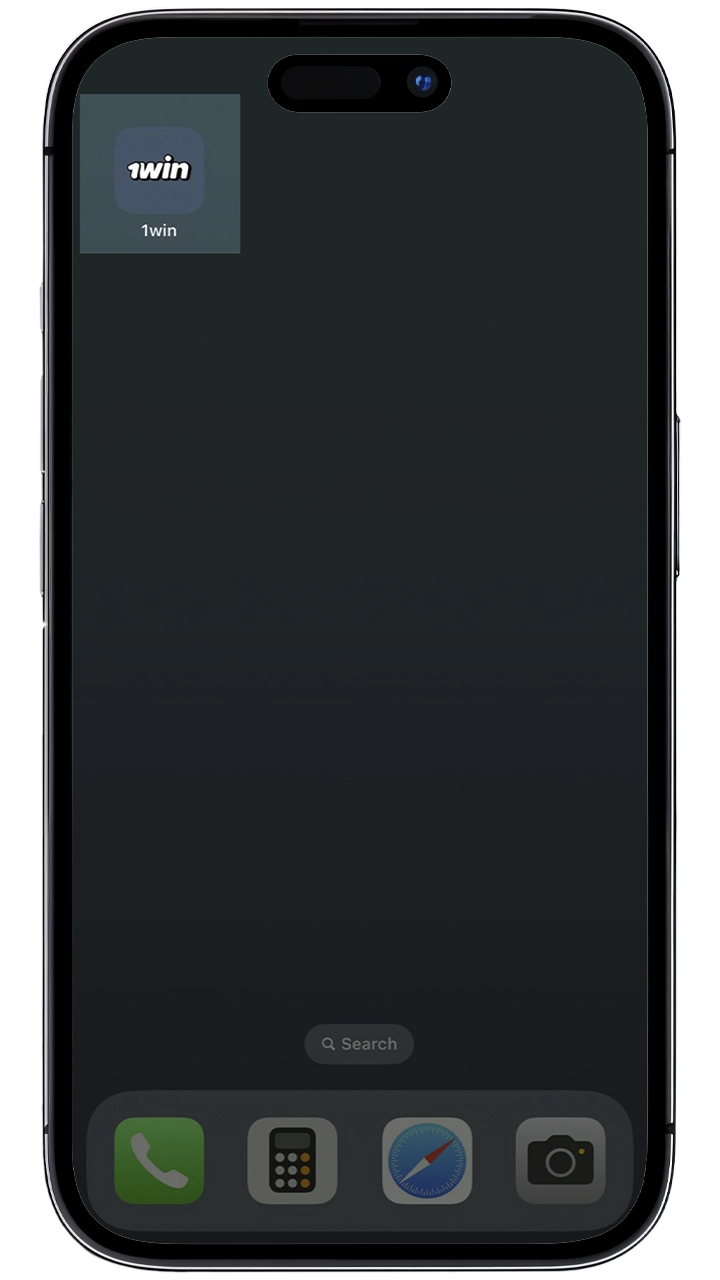
Step 5: Launch the App
Find the new icon on your home screen and tap it. Enter your account details to complete the app registration.
System Requirements for iOS
The requirements for the iOS web app are minimal:
| iOS version | 12.0 and higher |
| Browser | Safari |
| Installation file | Not needed (PWA) |
| Internet connection | Stable connection |
Supported Devices for 1win iOS Version
The 1win web app works on any iPhone or iPad with iOS 12.0 or later, including the models below.
| Brand | Models |
|---|---|
| Apple | iPhone 17, iPhone Air, iPhone 17 Pro, iPhone 17 Pro Max, iPhone 16 (Plus, Pro, Pro Max), iPhone 15 (Plus, Pro, Pro Max), iPhone 14 (Plus, Pro, Pro Max), iPhone 13 (Mini, Pro, Pro Max), iPhone 12 (Mini, Pro, Pro Max), iPhone 11 (Pro, Pro Max), iPad (11th Generation), iPad Air (7th Generation), iPad Mini (7th Generation), iPad Pro (7th Generation), and others |
1win App for PC
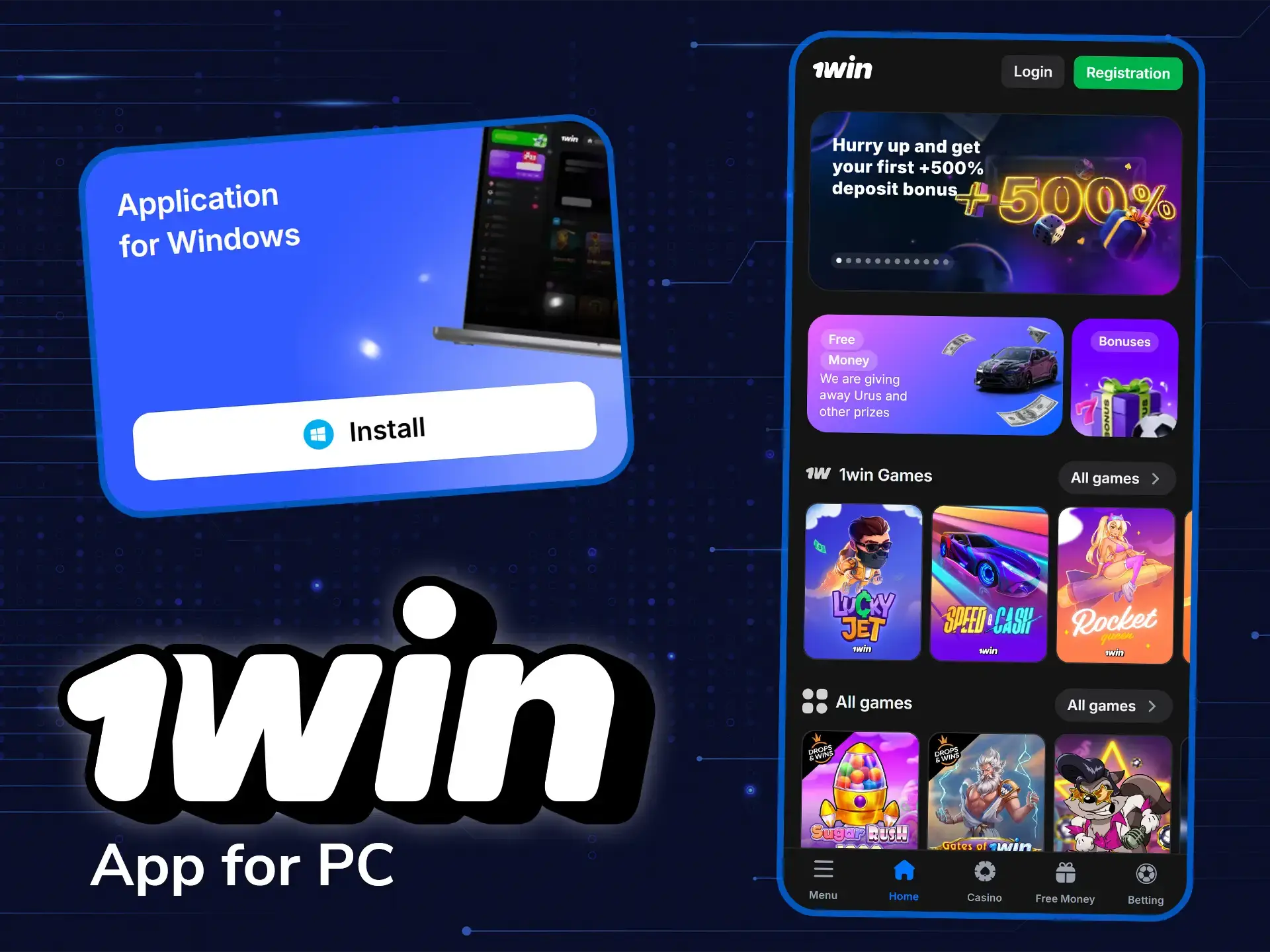
1win strives to increase the player’s comfort no matter what device they use. You can get the Windows app from the 1win website. At the end of the main page, click on the button that says “for Windows”. After that, agree to install it. That’s it, the icon for launching will appear on your computer desktop.
Bonuses for 1win Mobile Players
1win offers Indian players generous rewards, from the welcome package to the VIP program, that apply to sports betting and casino play. Each promotion has clear rules and conditions. All of them are aimed at providing you with more opportunities in the 1win app. Below, you can see the main bonuses available for mobile users.
| Bonus Name | Bonus Description |
|---|---|
| +500% Deposit Bonus | The bonus applies to the first four deposits. You get +100% on the 1st deposit, +120% on the 2nd, +130% on the 3rd, and +150% on the 4th, each with free spins. The minimum deposit is 300 INR, and the maximum bonus is 45000 INR per deposit and 180000 INR for four deposits. Bonus funds go to a separate bonus balance and are wagered x30 in the “Bonus Wagering” casino category. It is available only for new users |
| Weekly Cashback | A percentage of the week’s slot losses is returned every Saturday to players from Bronze 1 in the VIP Loyalty Program. The percentage grows with the VIP level: there are 20 levels by turnover, e.g. Bronze 2 from US$5,000 and Gold 3 from US$1,000,000. Claim it in “Bonuses” within 7 days; no wagering is required |
| Multiple Bet Bonus | A bonus percent is added to winnings from multiple bets with 5 or more events. The percent ranges from 7% for 5 events to 15% for 11+ events. For example, a 1,000 INR bet on 6 events with odds of 12.1 pays 12,988 INR after including the 8% bonus |
| 200 1win Points for App Installation | New users receive 200 1win Points after installing the 1win application. Points are also given for tasks in “Free Money” and spins of the 1win Wheel and can be exchanged for real money (1,200 points = ₹625) |
| Rakeback | From the Bronze 2 level of the VIP Loyalty Program, players get back a share of their wagered amount multiplied by the house edge on slots, live, table and 1win games. Claim it in “Bonuses”; the wagering is x1 |
| Lucky Drive and Tournaments | Players with at least one deposit get tickets for the Lucky Drive giveaway in the “Free Money” section, and regular casino tournaments with large prize pools run in the app. See the promotions section for the current events |
1win App Promo Code
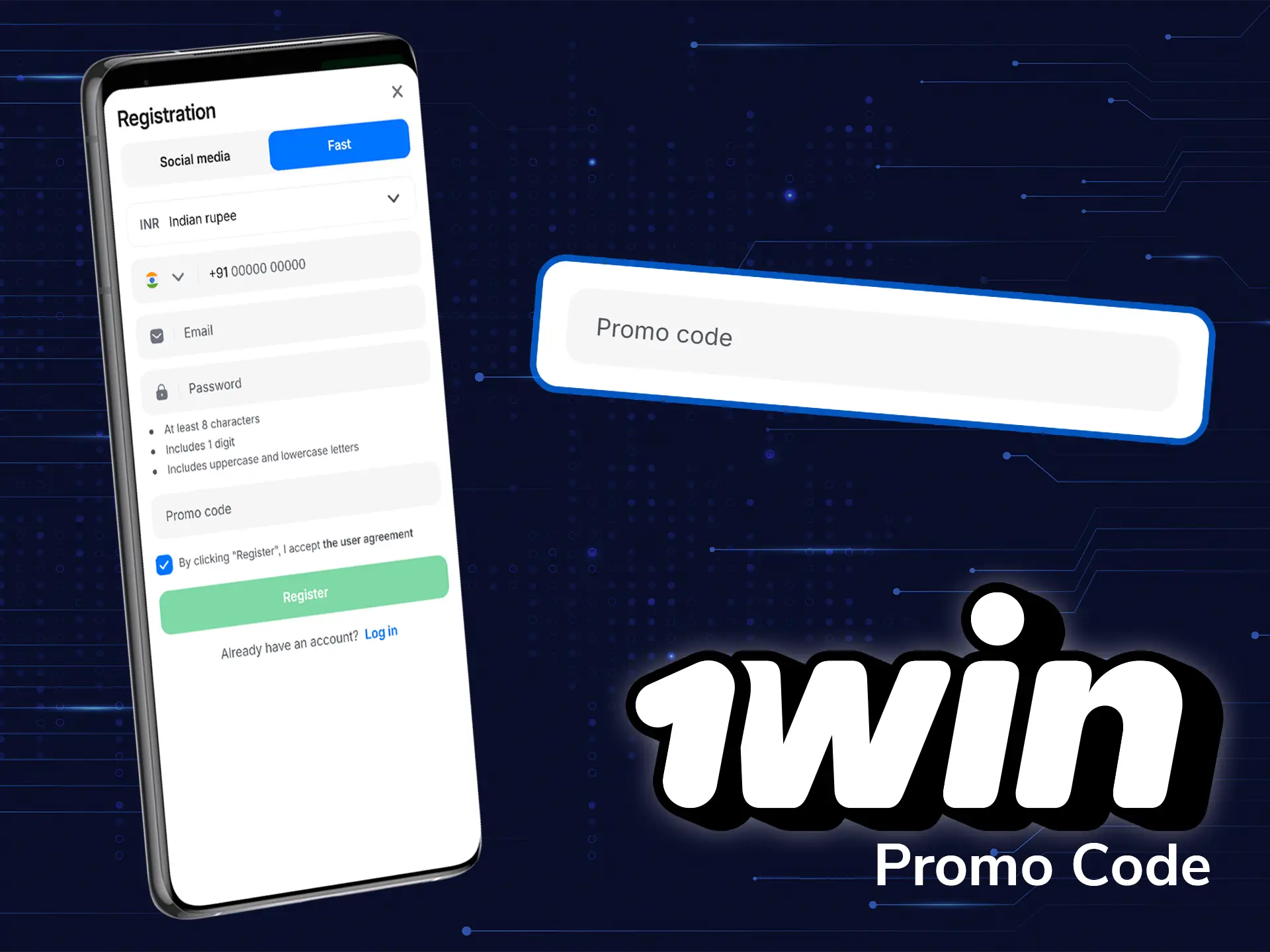
At 1win, new players can significantly increase their first deposits by using the promo code 1WIPLONLINE. By entering this code during the app registration, you can receive up to 500% in bonuses on your first four deposits, which will significantly increase your betting and gaming experience. The welcome bonus is divided between the first four deposits as follows:
- First deposit: +100% bonus.
- Second deposit: +120% bonus.
- Third deposit: +130% bonus.
- Fourth deposit: +150% bonus.
Each deposit also brings free spins. This generous bonus applies to both sports betting and casino games. The bonus money can be used for betting or casino games, which is a great way to start your journey.
Quick Registration Via App
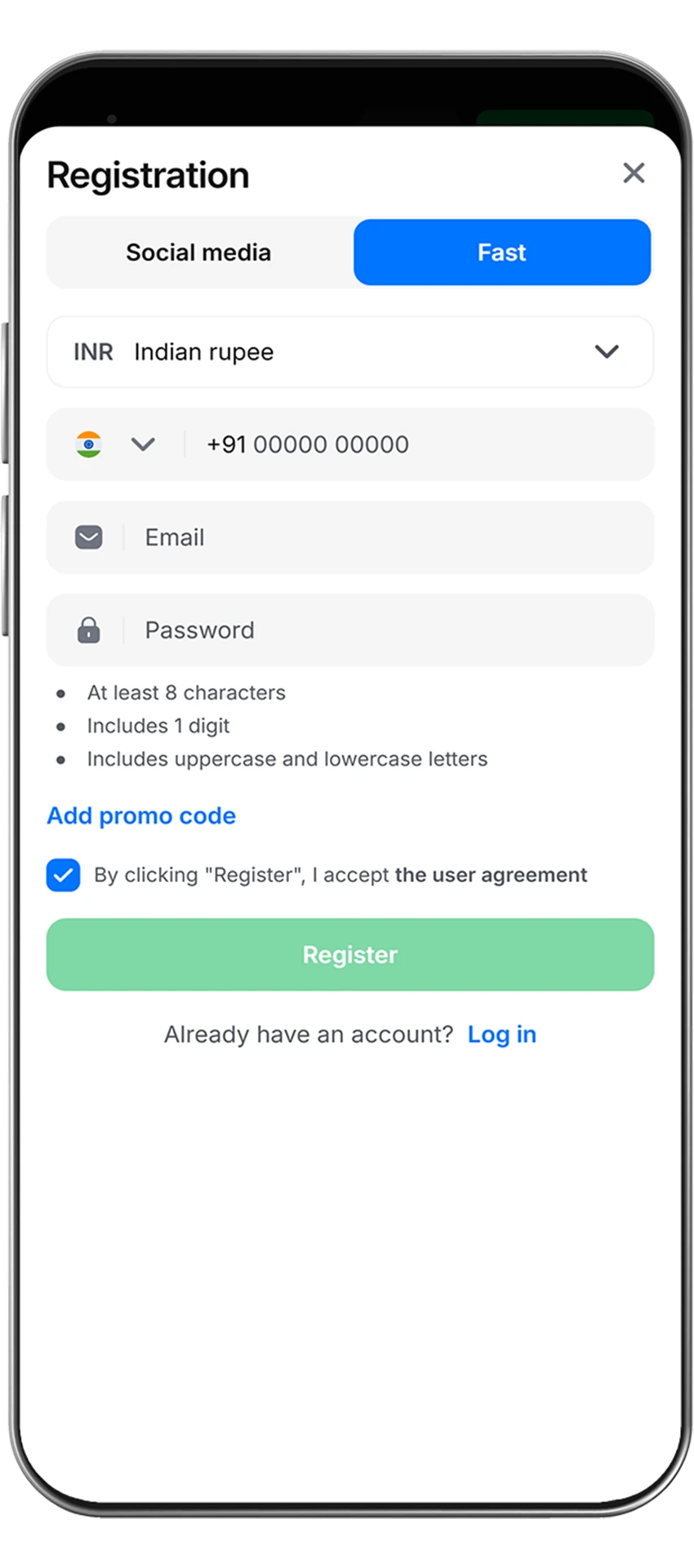
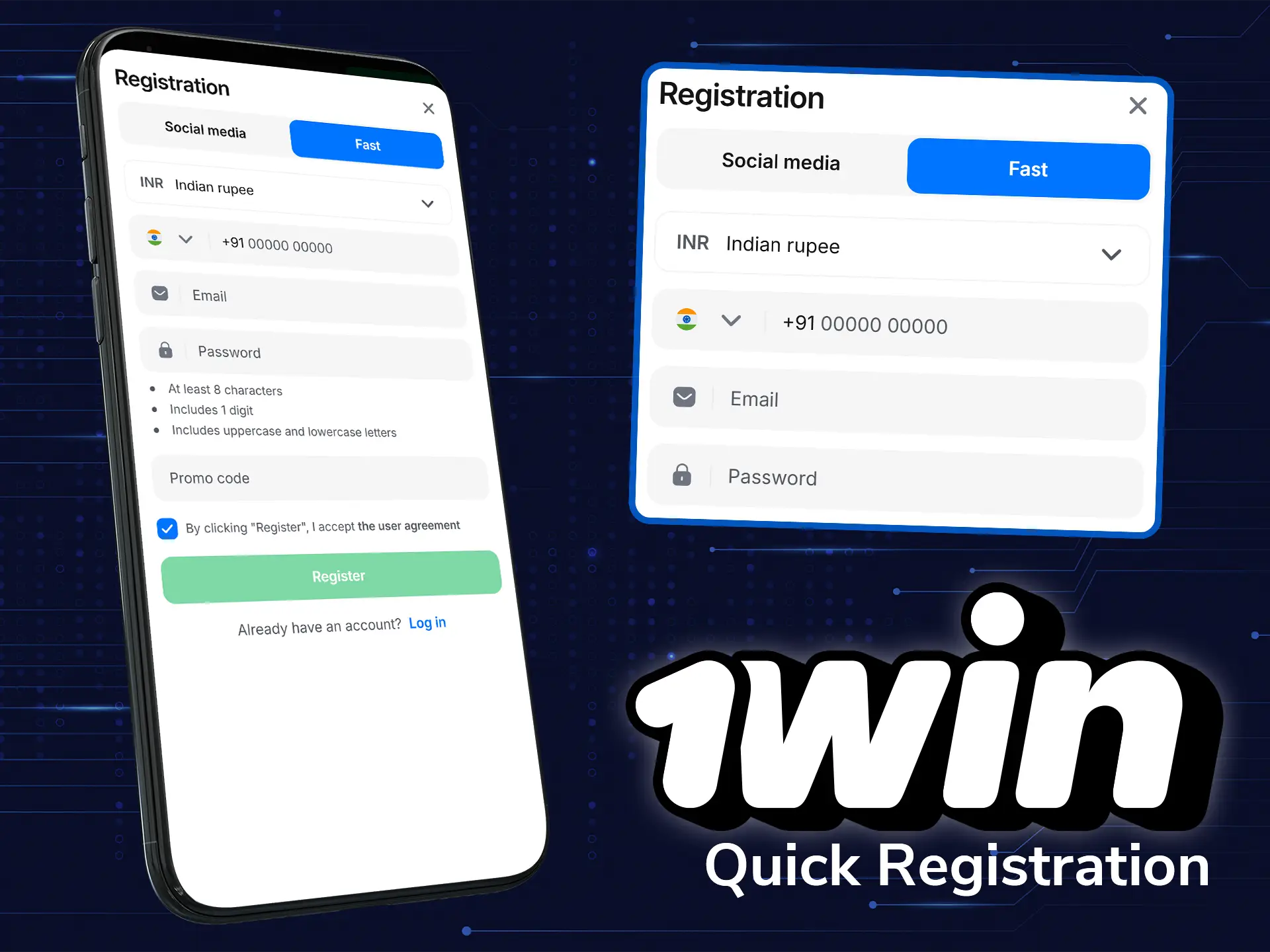
If you have never used the app, you must first go through registration. This is a quick process that can be completed according to these instructions:
- Go to the app and click the “Register” button;
- Now fill in the empty fields of the form with true information about yourself;
- Click on the button at the end of the registration menu;
- Keep your login and password in a safe place.
That’s it, you can make a deposit and start your way in the world of betting and casinos.
How to Make a Bet on the App?
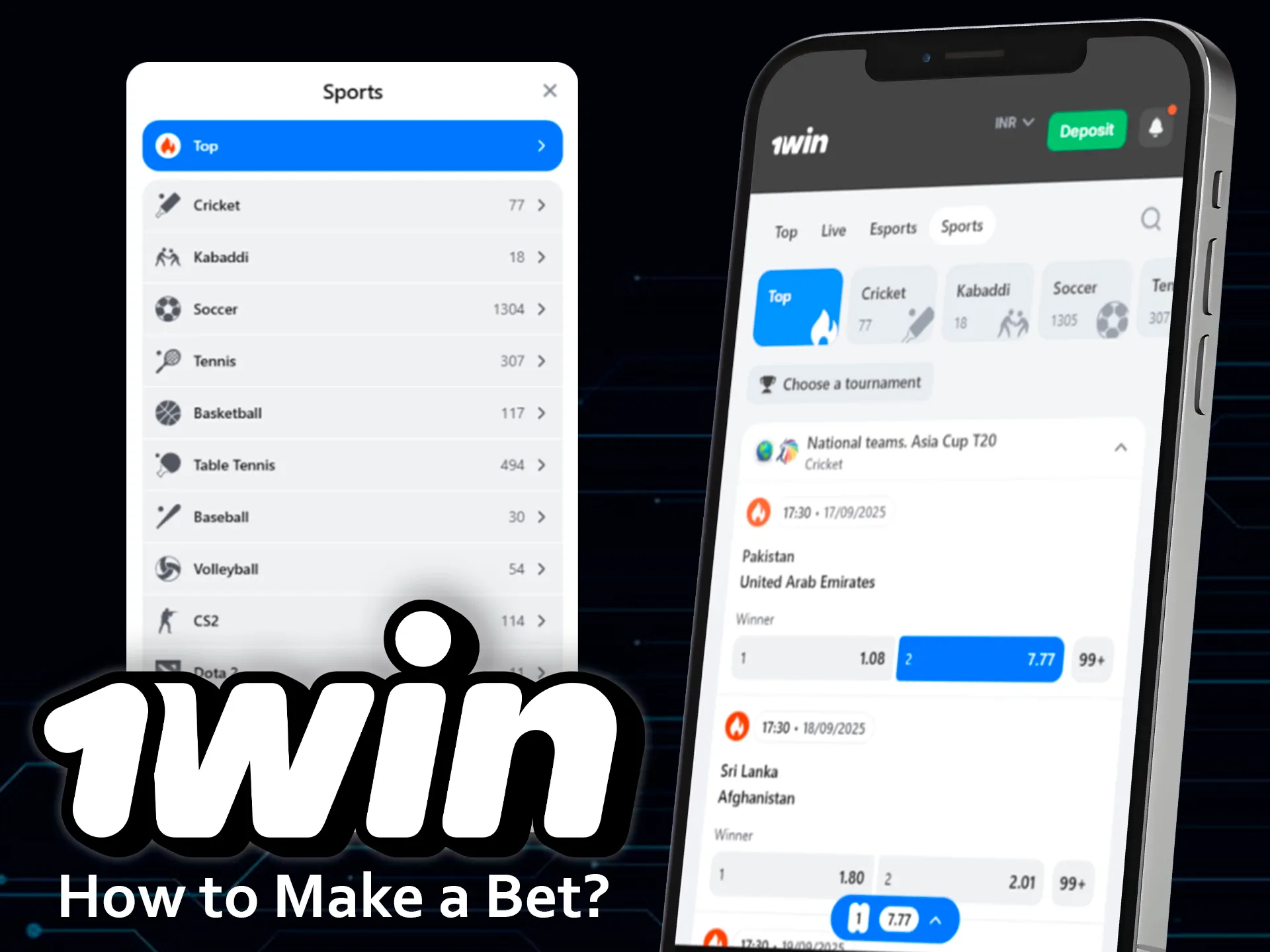
A bet on the 1win mobile app takes only a few steps. First, log in to your account and open the sports section. Choose the match or tournament you want to follow. Select the market, tap the odds, and add them to the bet slip. Enter the stake amount and confirm the bet, but always check the correctness of all the details. The app will show the active bet in your account, so you can follow the results.
How to Update the App to the Latest Version?
On Android, download the latest APK from the official 1win website and install it over the current version; your account data is kept. The 1win iOS app works as a PWA, so updates arrive automatically. You do not need to download or install update files: open the app from the home screen, and if an update is released, it loads at once. This way, the iOS app always runs on the newest version without extra actions from the user.
How to Delete the 1win App?
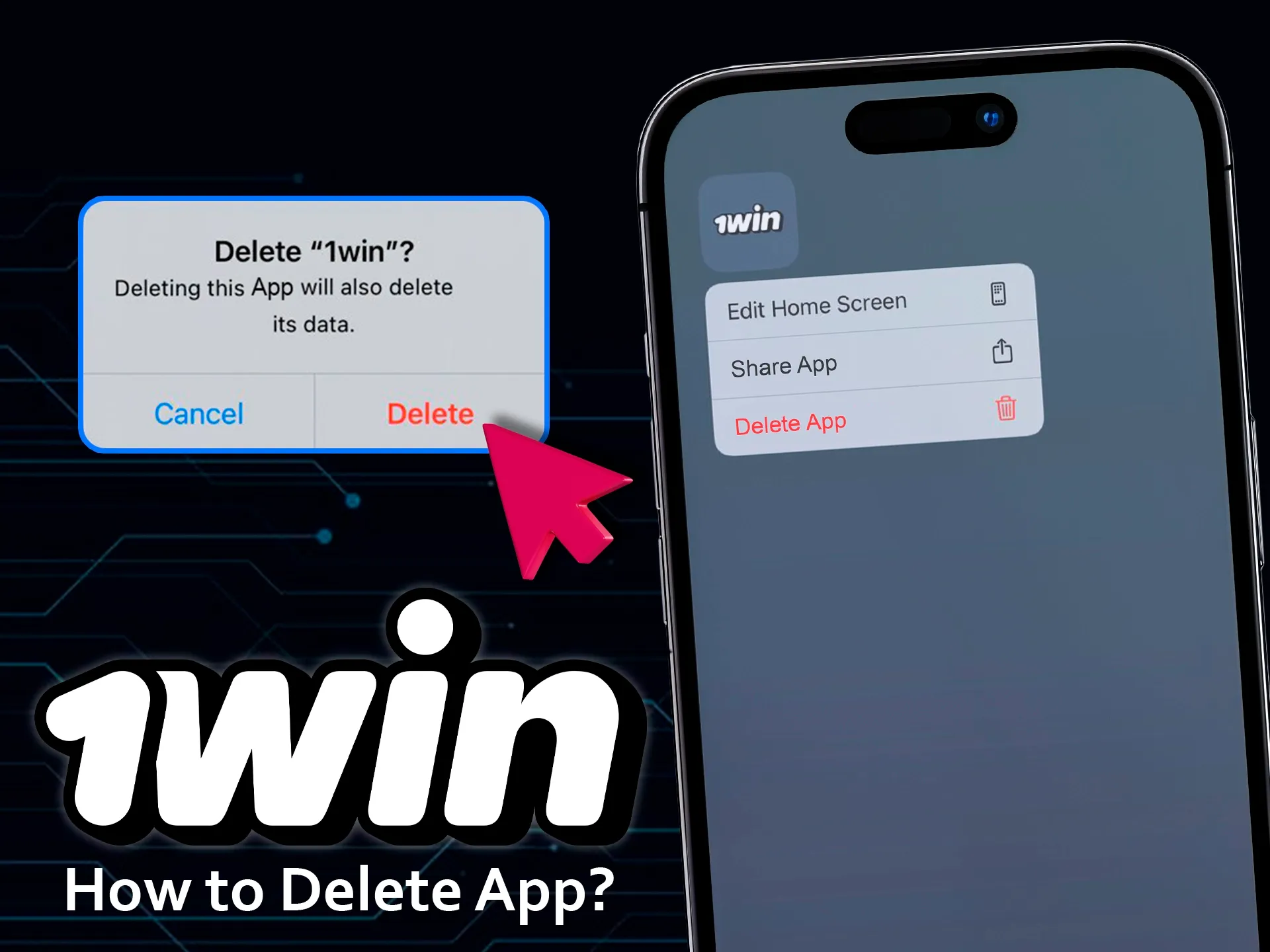
On Android, hold the 1win icon and choose “Uninstall” (or open Settings → Apps → 1win → Uninstall). On iOS, the 1win app runs as a PWA, so deletion is simple. Locate the icon on your home screen and hold it until the menu appears. Select “Remove App” and confirm the action. The shortcut will disappear, and the app will no longer open. If needed, you can repeat the installation steps later to restore access, and you will have all the same features and saved details.
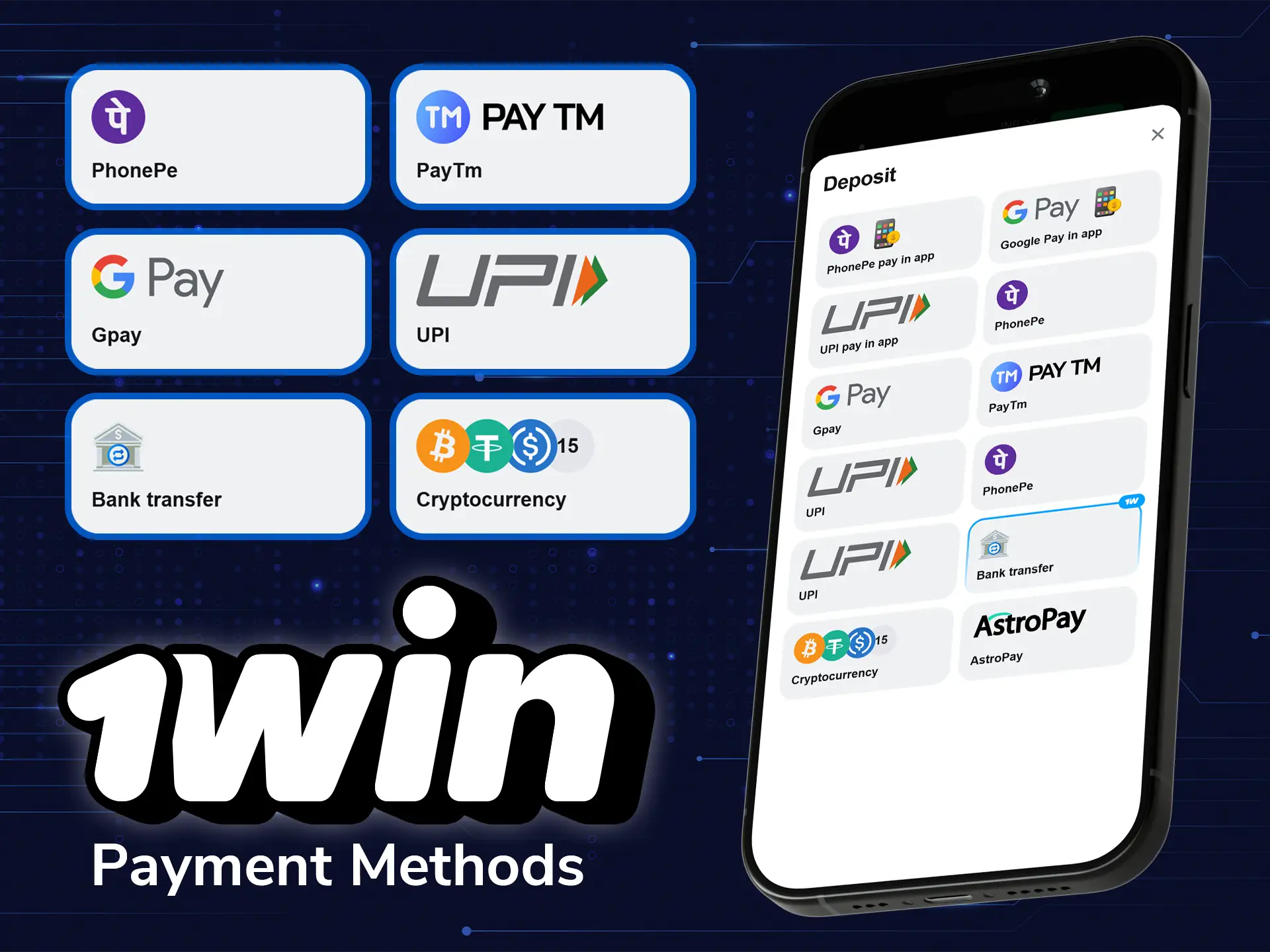
Available Payment Methods
The 1win app offers many payment methods that are convenient for Indian users. Here are the most popular ones:
- Visa;
- Mastercard;
- AstroPay;
- Perfect Money;
- UPI;
- PayTM;
- Bitcoin;
- Tether.
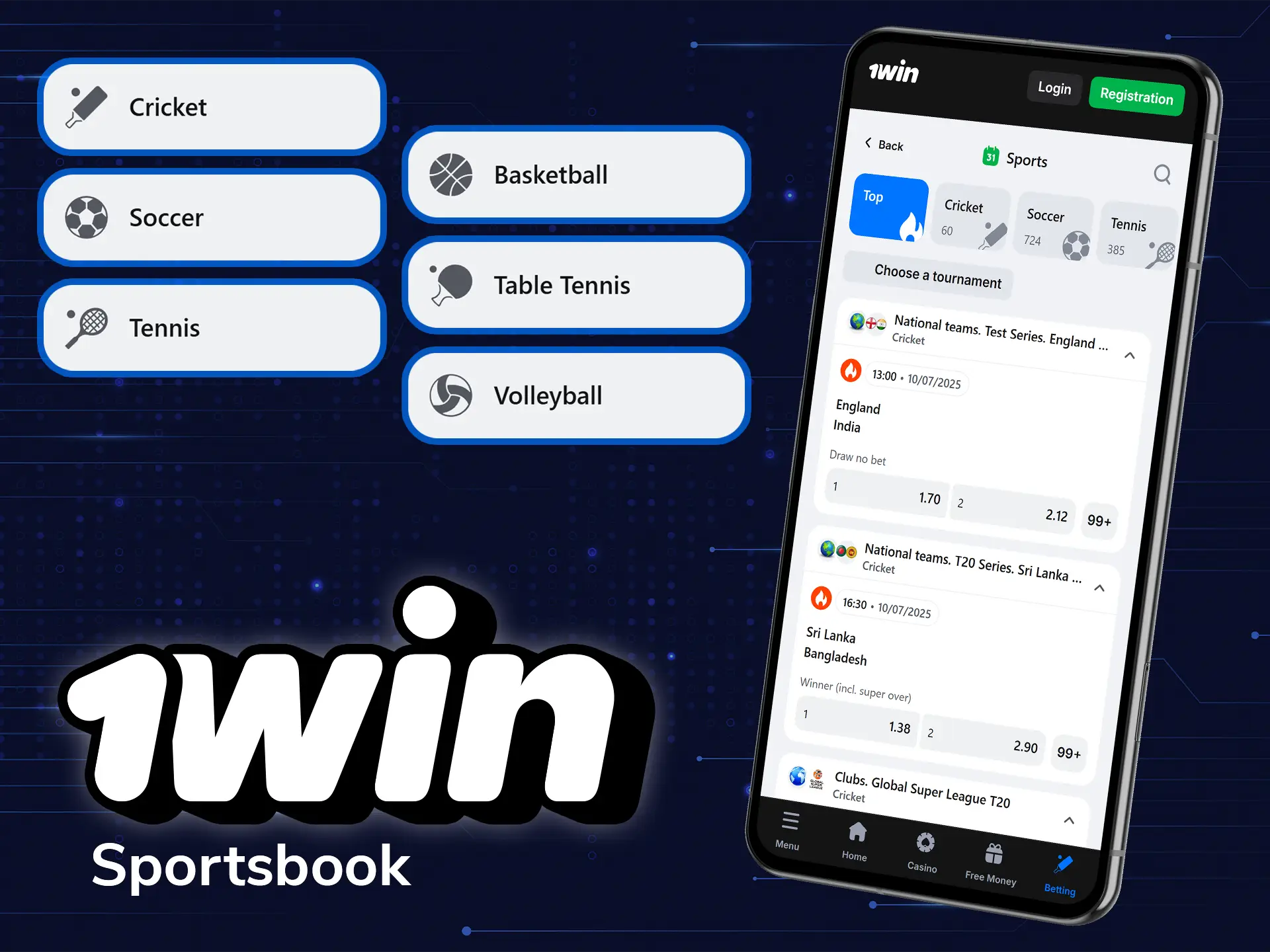
1win App Sportsbook
In the app’s sportsbook, the player can find more than 40 different sports. Within each of them, there are unique outcomes due to the specifics of the sport, as well as events on which it is possible to bet in live mode. You can find out more about the main disciplines below:
- Cricket;
- Football;
- Basketball;
- Hockey;
- Tennis;
- Baseball;
- Handball;
- Golf;
- Rugby;
- Boxing.
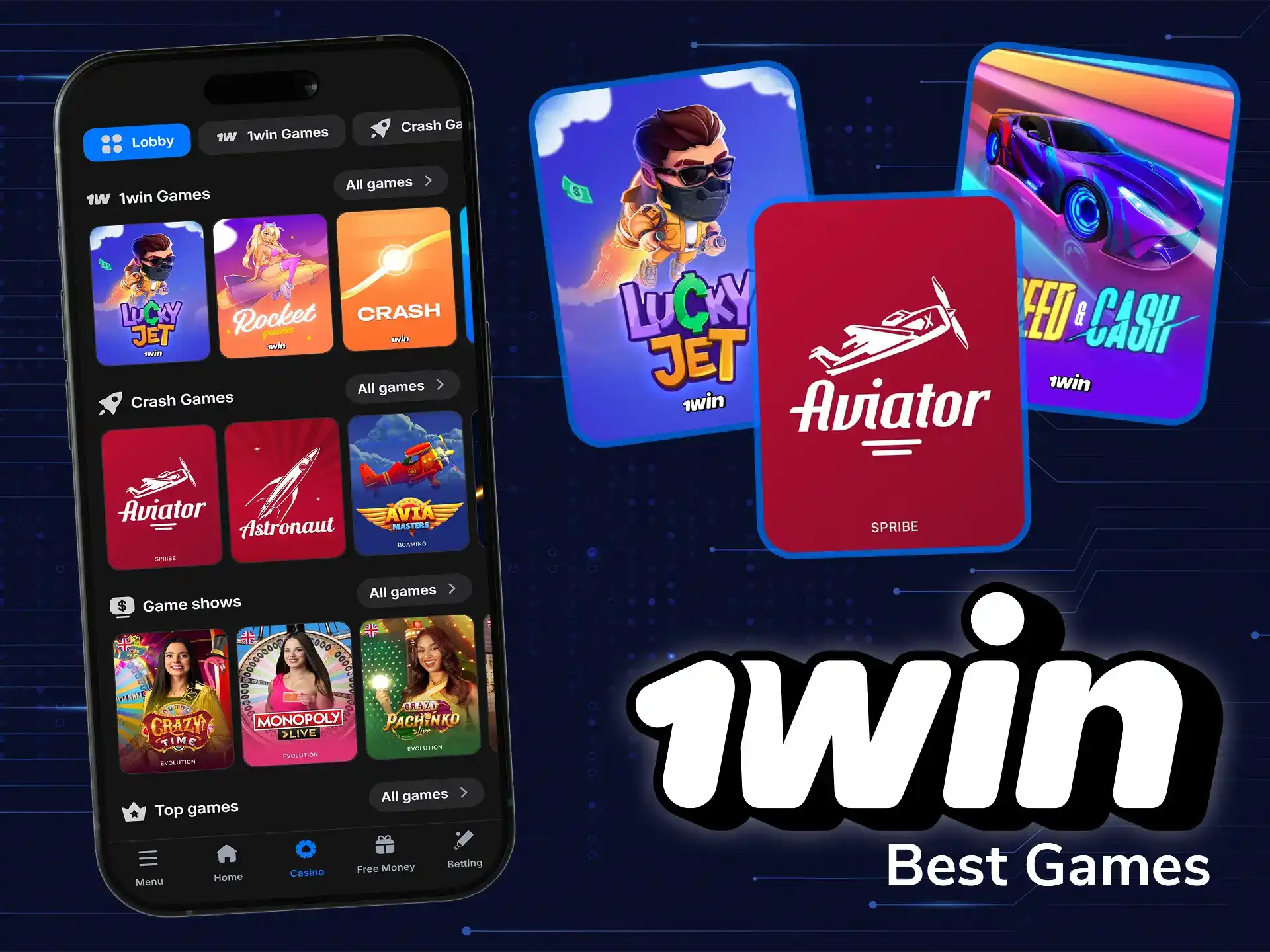
Popular Casino Games
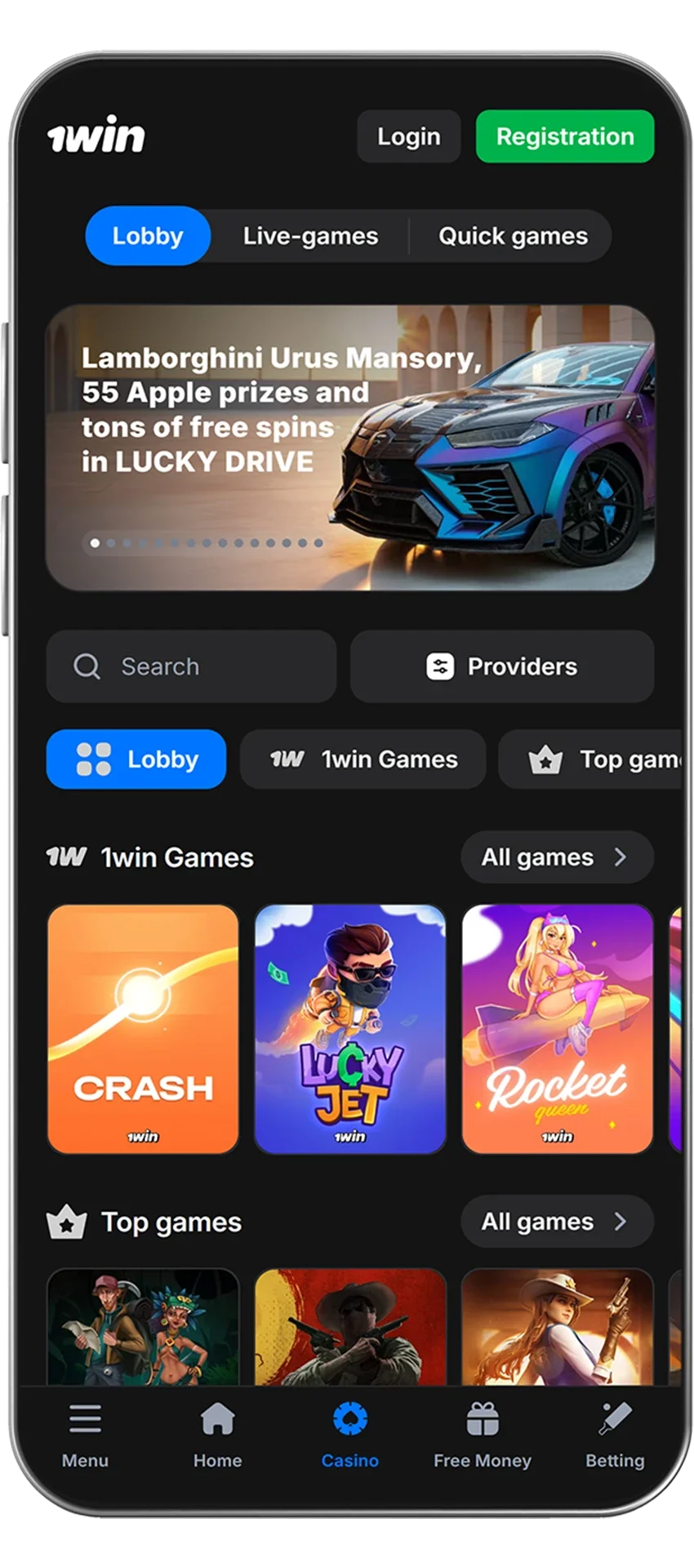
If casino games are more your style, feel free to use the casino section in the mobile app. There, you can pick from more than 13,000 games from licensed software providers like Evolution Gaming, Ezugi, Habanero, Pragmatic Play and many others. You can select from such games as:
Cybersports Betting
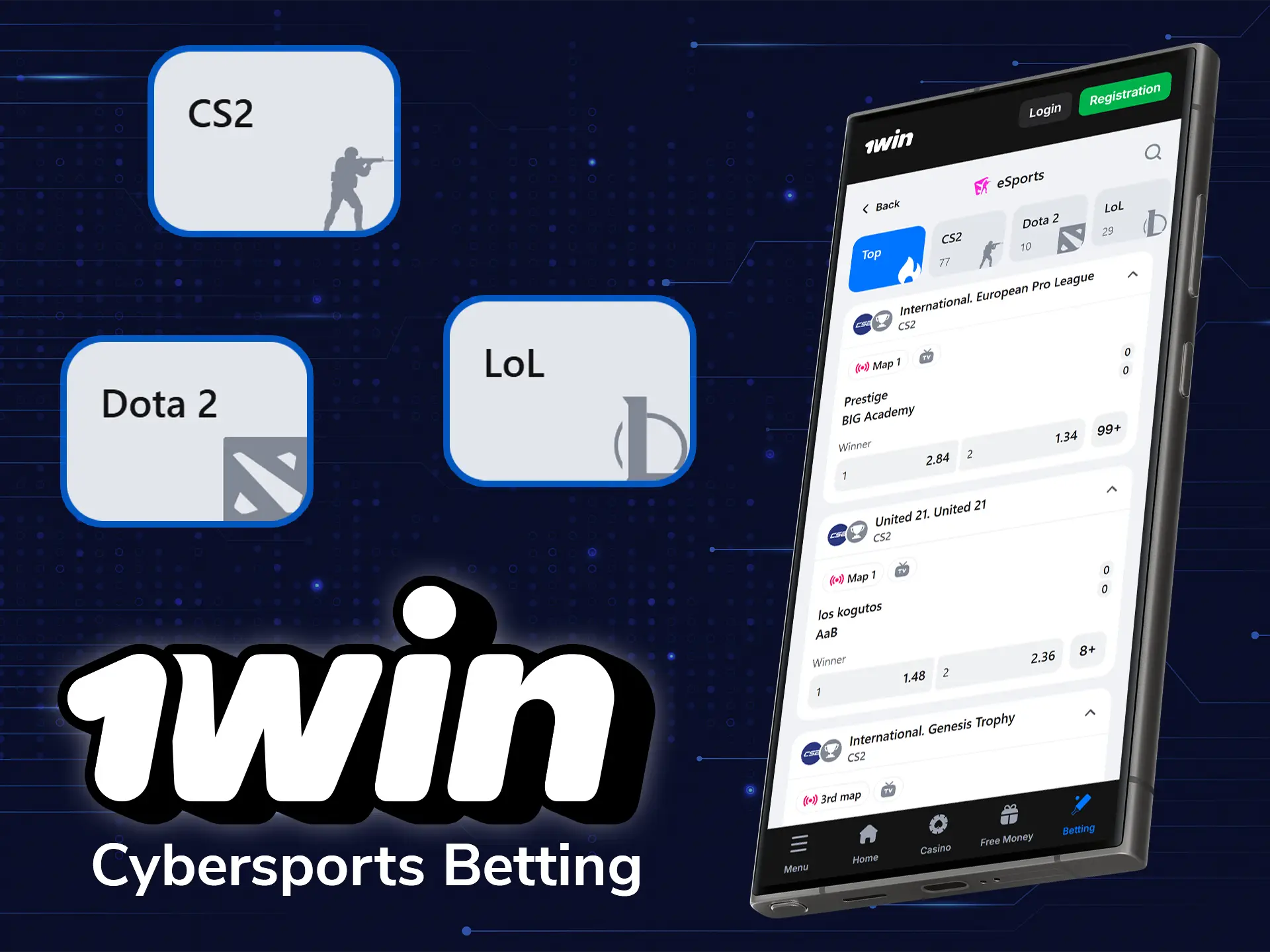
Esports has become one of the fastest-growing sections on the platform, and 1win gives it full coverage with both pre-match and live betting options. Odds are updated in real time, and you can track matches through integrated statistics and, in many cases, live streams. The app provides quick access to markets, so players can choose not only the outcome but also side bets such as maps, handicaps, or total rounds. Here are examples of eSports that you can bet on at 1win:
- Dota 2;
- CS2;
- League of Legends;
- Rainbow Six;
- Rocket League;
- Valorant;
- King of Glory;
- Mobile Legends.
1win App Features
The 1win app offers a wide range of features designed to enhance the betting and gaming experience for users. Available for both Android and iOS devices, the app ensures an efficient, user-friendly interface with fast loading time. Whether you’re interested in sports betting or casino games, the app provides a versatile platform to meet all your gaming needs. Here’s a breakdown of some of the key features:
Live Betting Features
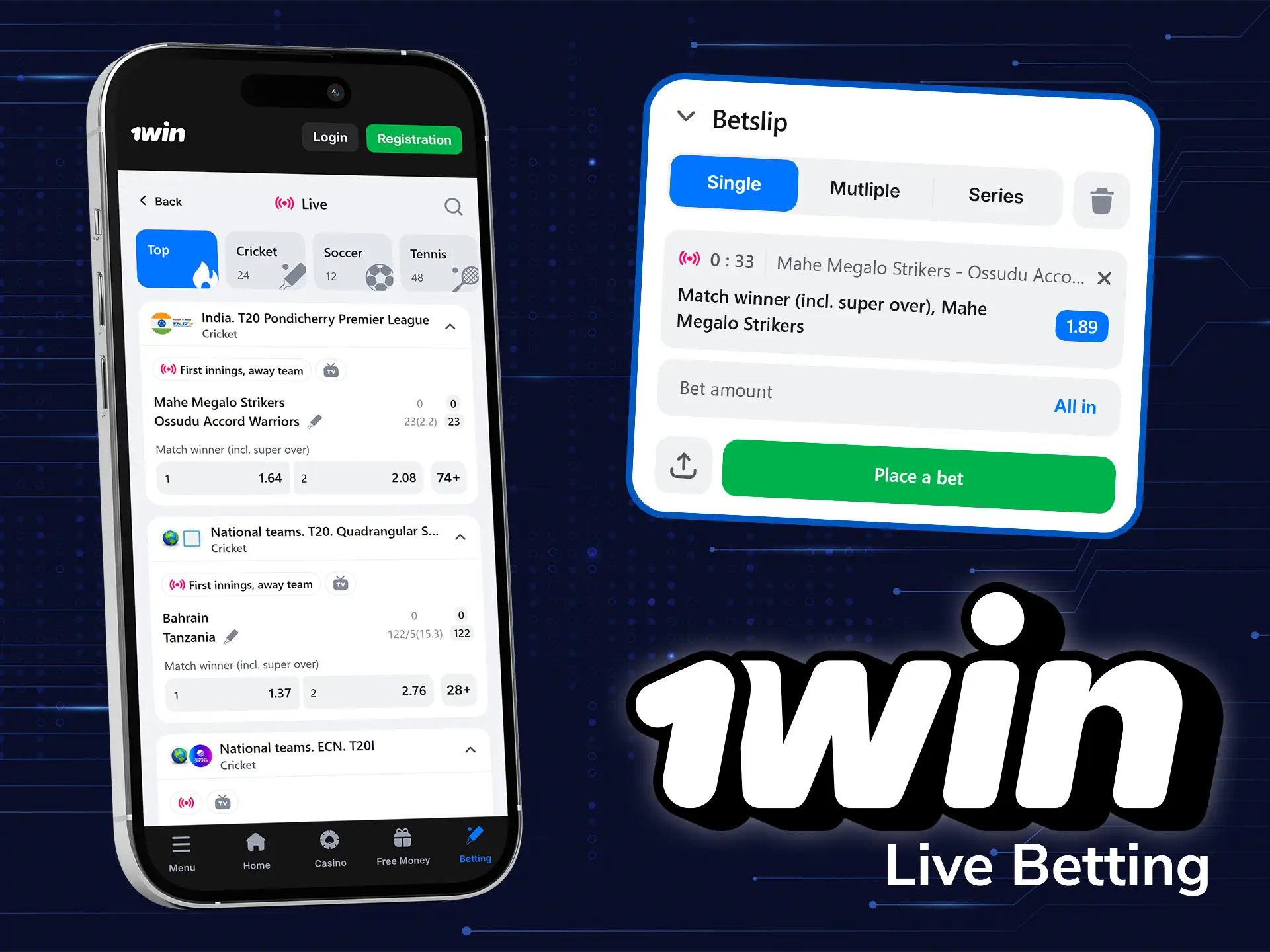
The 1win live betting platform offers an exciting and dynamic betting experience and is designed for both novice and experienced bettors. Available 24/7, it offers a wide range of live sports events for betting, allowing users to never miss an opportunity to be part of the action. The platform features real-time updates of odds and statistics with minimal latency, facilitating quick and informed betting decisions.
Casino Games Features
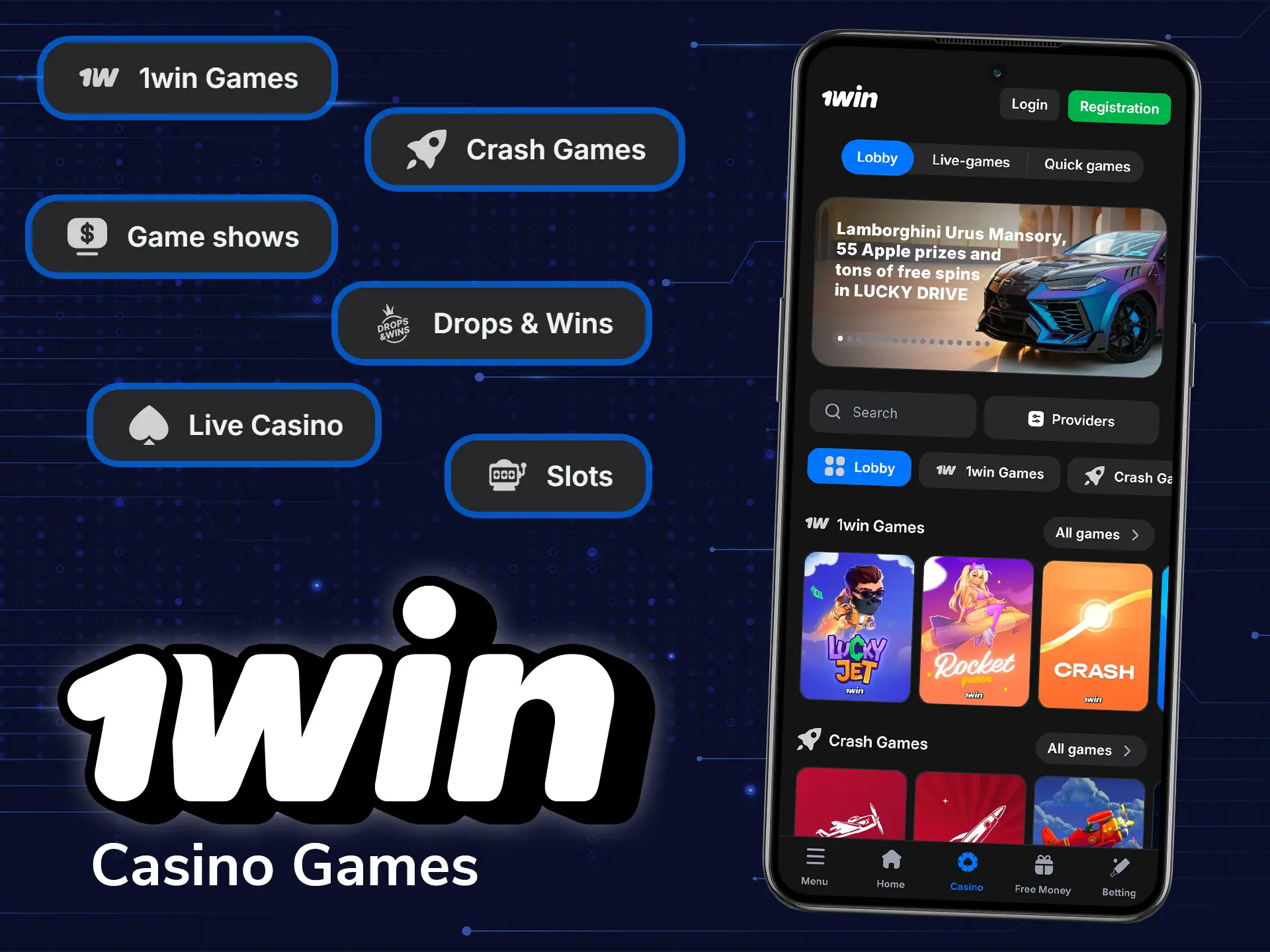
1win online casino in India has over 13,000 games from Pragmatic Play, Evolution, Hacksaw Gaming and dozens of other licensed providers. There are all popular game types, like slots, table games, crash games and live tables, plus a poker room. Players can test some games for free in demo mode before betting real money. The casino lobby is well organized into different categories.
Deposit Features
The 1win app gives users a wide selection of convenient and secure deposit options. It supports multiple payment methods, including UPI, Net Banking and other popular digital payment systems, ensuring easy and fast transactions. 1win ensures a high level of security for all transactions by using advanced encryption technology to protect your data and funds. Deposits are processed quickly, so players can start betting or playing casino games without delay. Minimum and maximum deposit amounts are flexible to suit both casual players and high rollers. With transparent and convenient deposit processes, the brand provides a trouble-free and reliable experience for users.
| Deposit Methods | UPI, NetBanking, Credit/Debit Cards, E-wallets, Cryptocurrencies |
| Deposit Minimum | 300 INR |
| Deposit Maximum | Depends on the method (shown in the cashier) |
| Transaction Security | Encryption, Secure Systems, Blockchain Security |
| Processing Time | Instant – up to 15 minutes (crypto 1–60 minutes) |
Withdrawal Features
Indian users can easily withdraw winnings as the 1win app offers multiple methods which include cryptocurrencies, UPI, and bank transfers. The software provides reliable safety measures, they are 256-bit SSL encryption, restricted data access and fraud monitoring.
Mind that you have to pass KYC verification before the first withdrawal. The withdrawals will be quite fast in case users insert all the data correctly and do not exceed limits.
| Withdrawal Method | Minimum Withdrawal | Maximum Withdrawal | Transaction Security | Processing Time |
|---|---|---|---|---|
| Bank Transfer | 1,000 INR | 500,000 INR | Encryption & Secure Systems | Up to 3 business days |
| E-wallets and payment systems | 500 INR | 50,000 INR | Encryption & Secure Systems | Up to 24h |
| Cryptocurrencies | 500 INR | 50,000 INR | Blockchain Security | Up to 15 min (Bitcoin up to 1h) |
User Profile Features
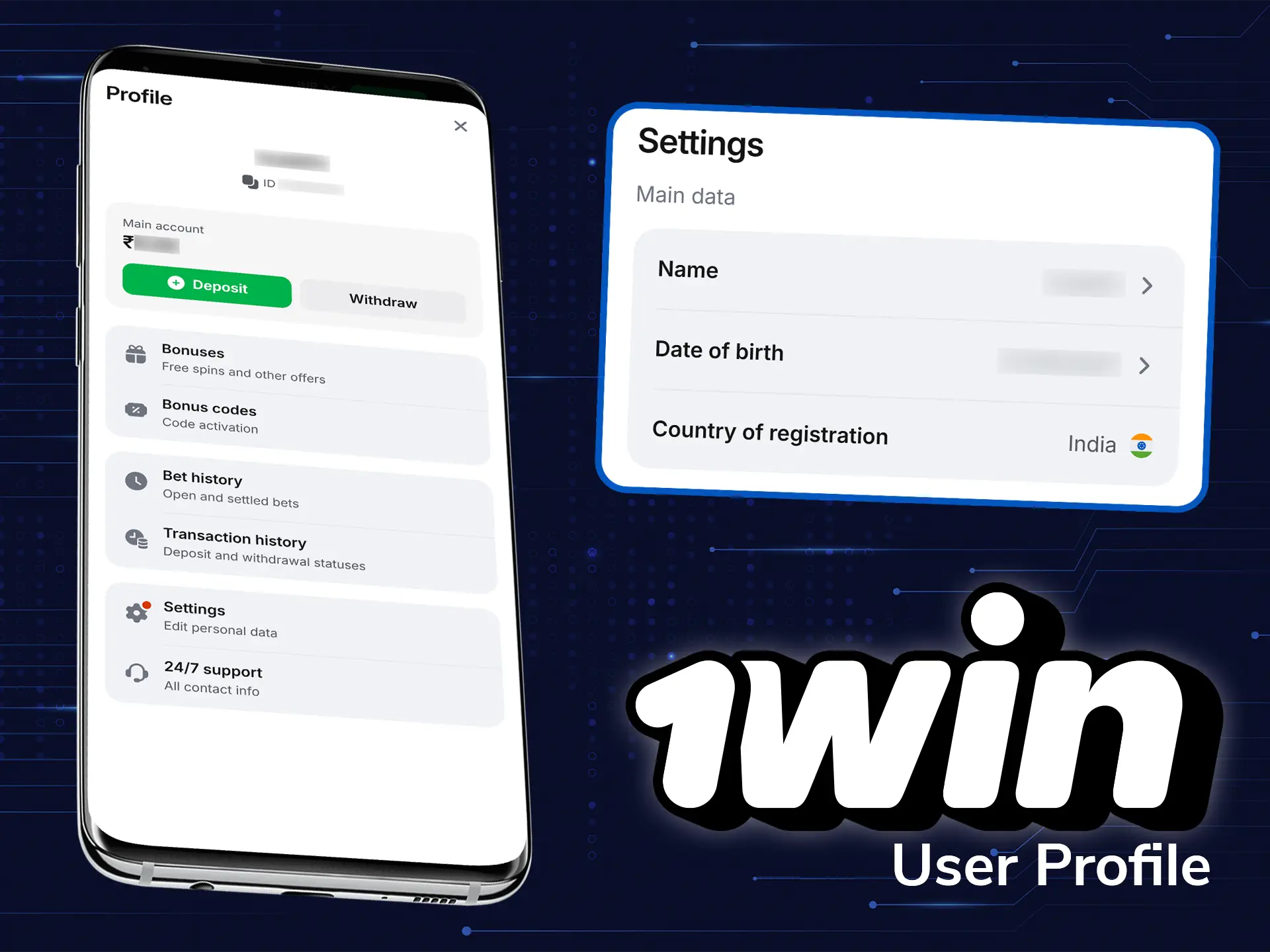
1win app offers a comprehensive user profile that allows easy access to key account features. Within the profile, users can manage various account settings, including notification settings, security settings such as password resets, and personal details such as name, contact information, and verification status.
Notification Features
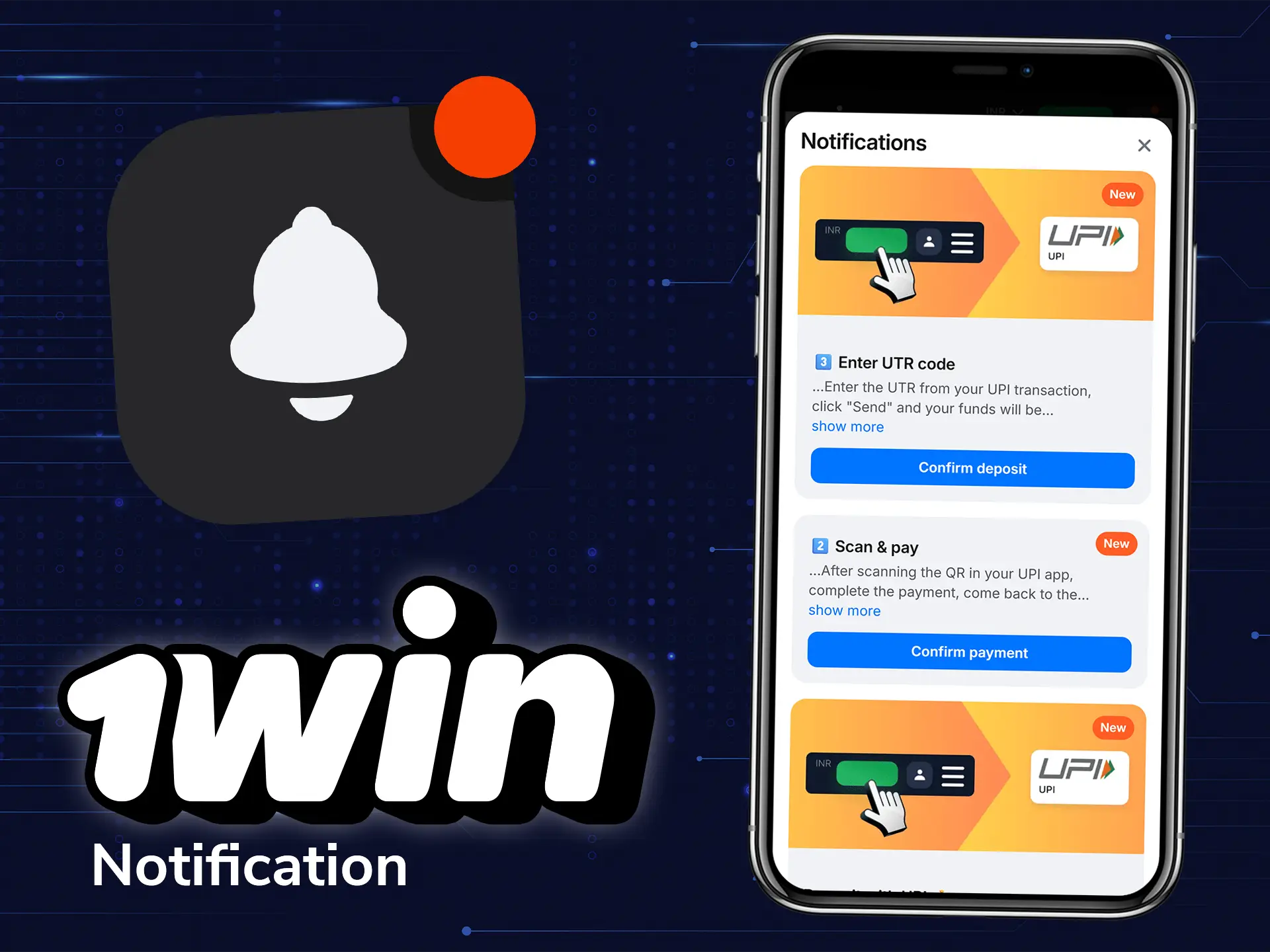
The 1win app has many notification features to keep users up to date with the latest news. Users can be notified of important events such as game results, odds changes, bonus offers and promotions so they never miss out on exciting opportunities. The app features different types of notifications, including push notifications, email alerts and in-app messages.